
Purpose of these Task Aids
These are designed to aid you and your church in the midst of preparing to get on the mission field. Please explore below to find the printable task aid that applies to the question or issue you currently have.
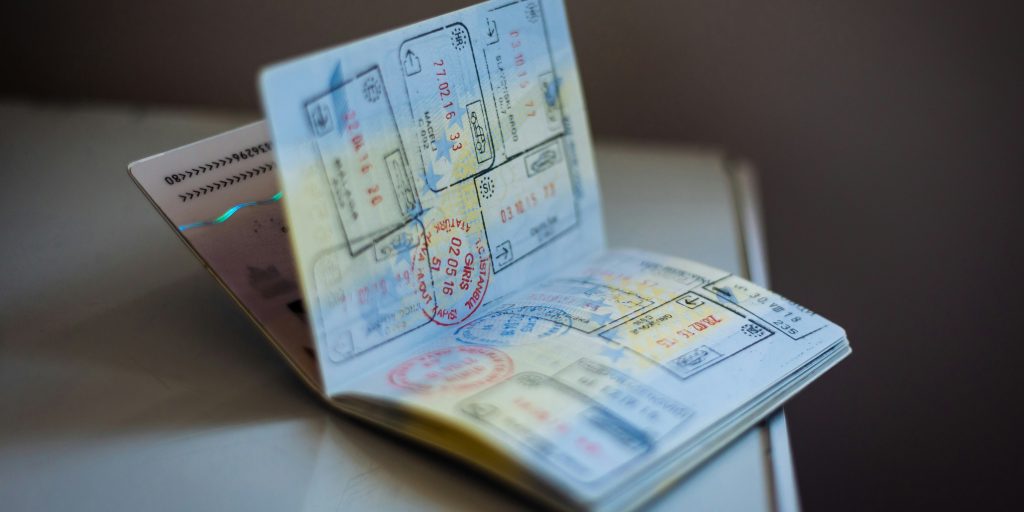
Passport Control: Honduras
Passport Control Guide
Travel & Entry Procedures
Entry Procedures
- 1 Please have your passport ready to present to the agent.
- 2 Your fingerprints will be scanned. Follow the instructions given by the agent.
- 3 You may be asked for your phone number or other identifying information.
- 4 Please ensure you receive your passport back from the agent before leaving the counter.
Address for Entry Form
If you are asked where you will be staying, please use the following address:
For MEDA: Siguatepeque, Barrio Las Americas, calle hacia cancha de futbol panteras 12111.

How to Reserve dates
Team Date Reservation
Planning & Logistics Management
Priority Action: Secure Your Dates
To begin planning your mission trip, your church or group must first reserve your specific arrival and departure dates. Reservations are processed on a first-come, first-served basis.
Reservation Process
- 1 Review your preferred calendar dates with your team leadership.
- 2 Access the Date Reservation Form using the button below.
- 3 Complete the required fields and submit your request for approval.

Application Process
Leader Action Guide: Participant Onboarding
Managing your mission trip through the SEPE Trip Portal
Step 1: Sharing the Application
- 1 Log in to the Trip Portal .
- 2 Navigate to the “Tasks and Goals” section.
- 3 Locate the Application Task and click it.
- 4 Copy the unique link and send it to your team participants.
Step 2: Approving Participants
As a leader, you must manually accept everyone joining the trip:
- In the Portal, click the tab.
- Review the list of those who have applied.
- Click Approve to officially add them to your roster.
Application Policies & Deadlines
| Timeline | Policy Requirement |
|---|---|
| 2 Months Before Arrival | Registration Deadline: All participants must be signed up. The portal will close for new entries. |
| 1 Month Before Arrival | Withdrawal Deadline: Final date for a participant to drop out. |
| 1 Month Before Arrival | Payment Deadline: All trip funds must be paid in full. |
Customs Form: Honduras
Honduras Customs Entry Guide
Follow these steps to complete your required entry documentation.
Step 1: Complete the Online Form
All travelers must complete the official Customs Form online before arrival.
Step 2: Save Your Documentation
- 1 Complete all fields on the website.
- 2 Crucial: Once submitted, a QR Code will be generated.
- 3 Screenshot or save the QR code as a PDF to your phone immediately.
- 4 Present this code to the attendant before entering the baggage claim area.
Foreseen Address Information
When the form asks for your “Foreseen Address” in Honduras, use the following:
For MEDA:
Siguatepeque, Barrio Las Americas, calle hacia cancha de futbol panteras 12111.
Siguatepeque, Barrio Las Americas, calle hacia cancha de futbol panteras 12111.

Flight Info
Flight Itinerary Submission
Logistics Management & Flight Tracking
Action Required: Team Leaders
Please upload a PDF copy of your team’s finalized flight itinerary. SEPE International uses specialized tracking software to monitor your arrival in real-time, ensuring our staff is at the airport exactly when you land.
Submission Steps
- 1 Save your finalized flight itinerary as a PDF file.
- 2 Access the submission portal using the button below.
- 3 Upload the PDF and complete the brief submission form.